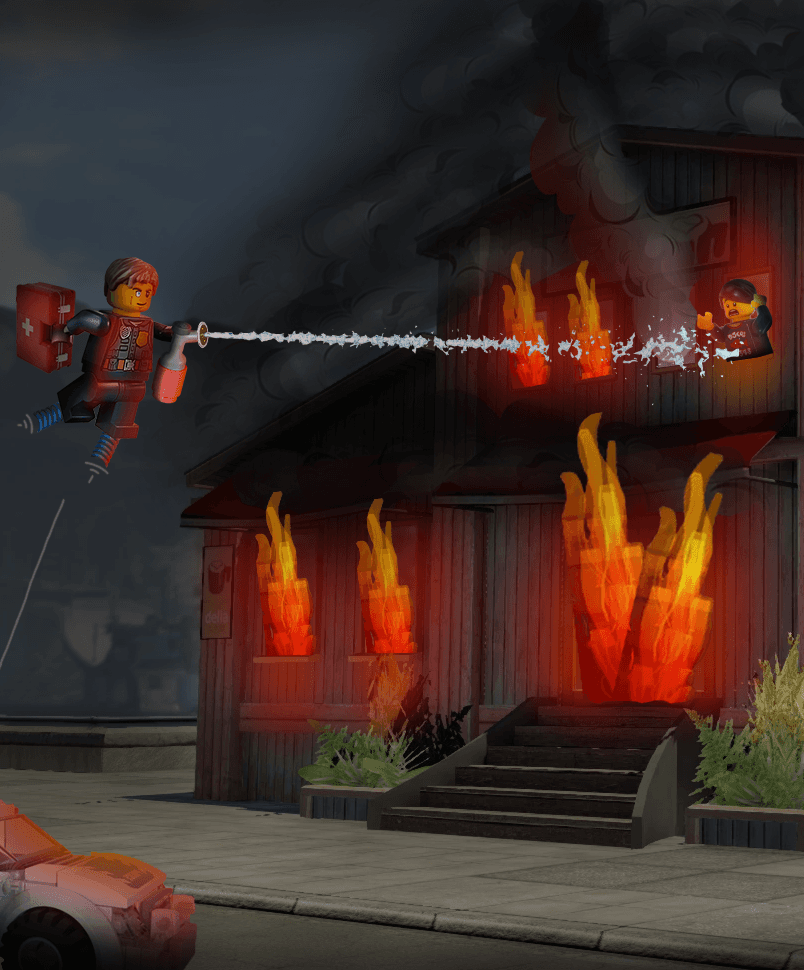
" Central, we have a problem! "
I, Emma HAETTEL, am this DLC's System Designer!
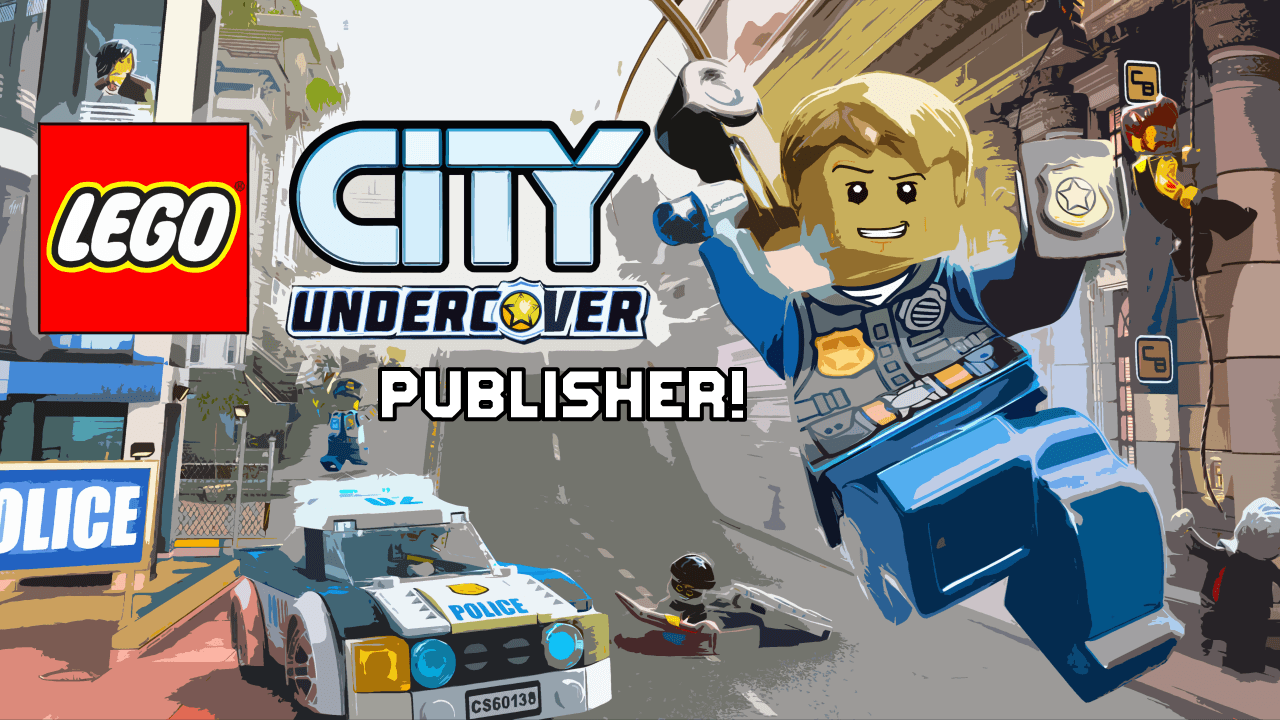
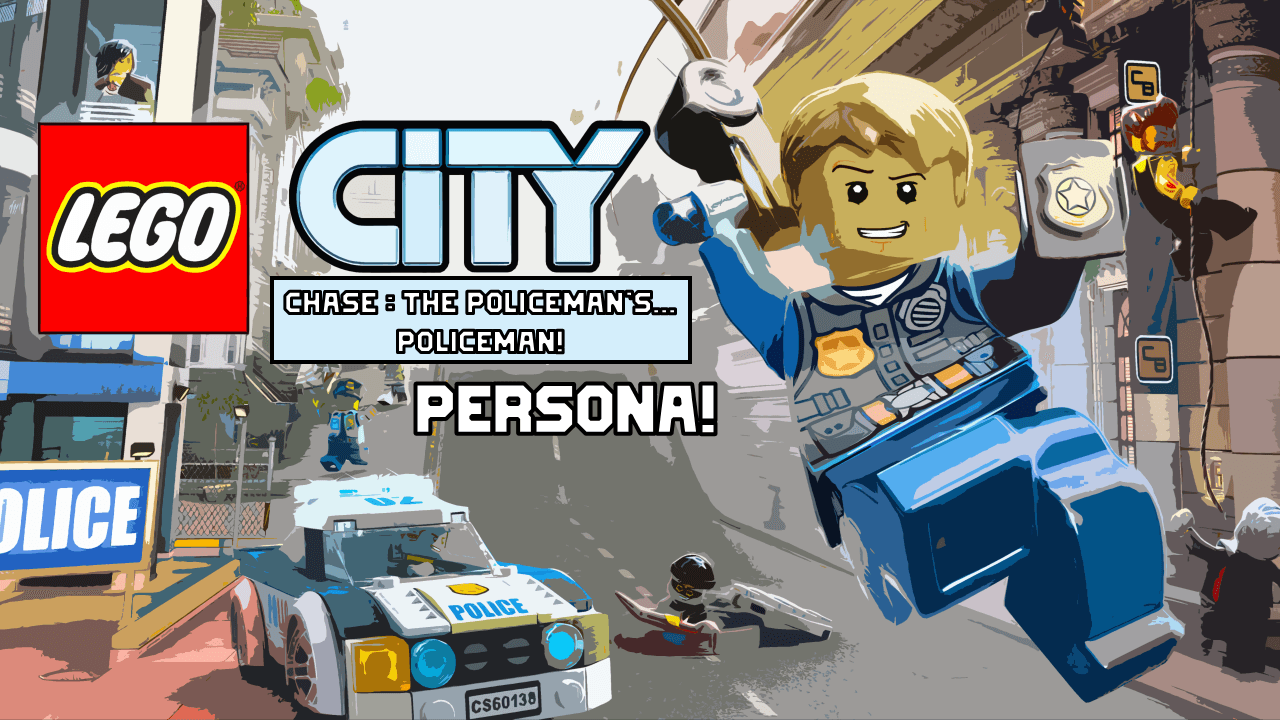
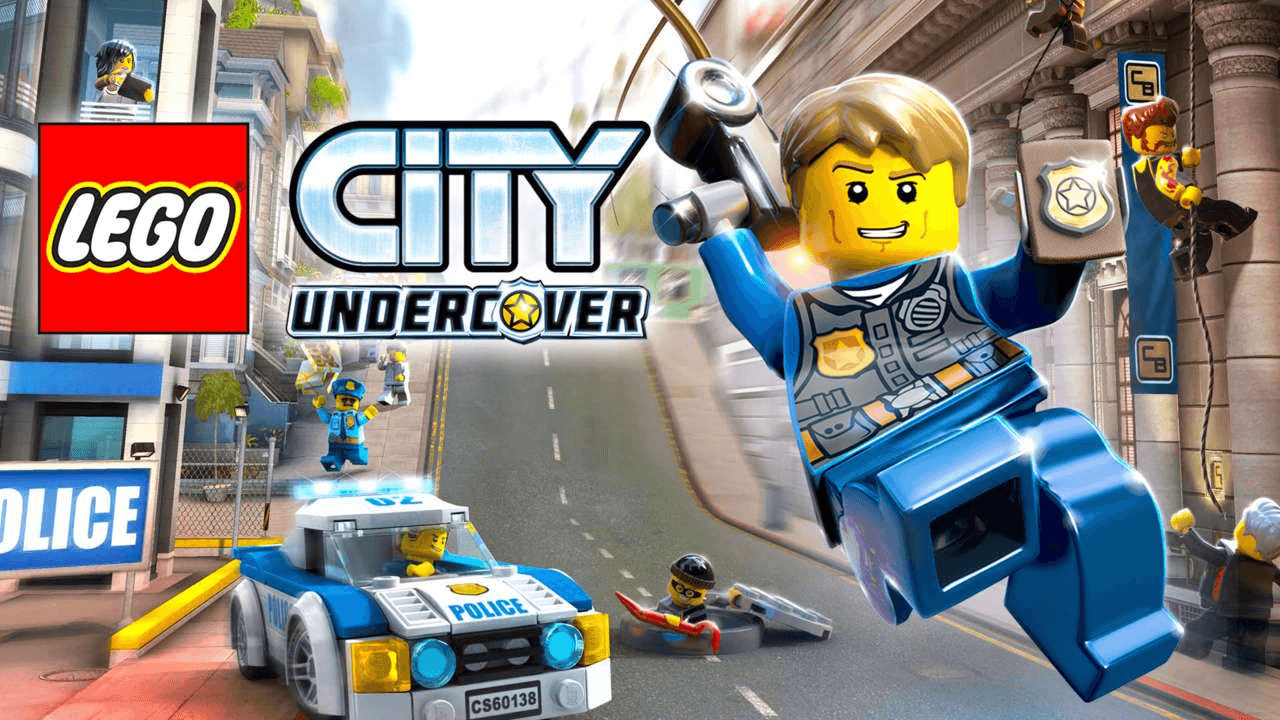
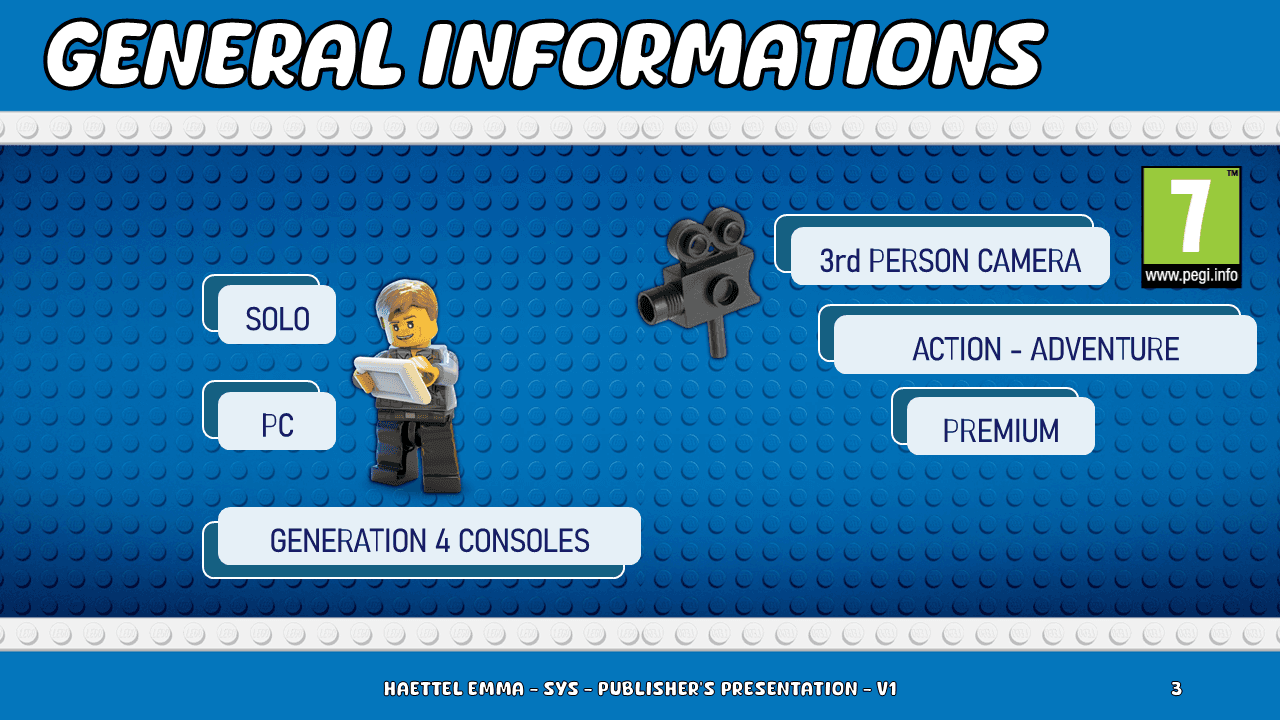
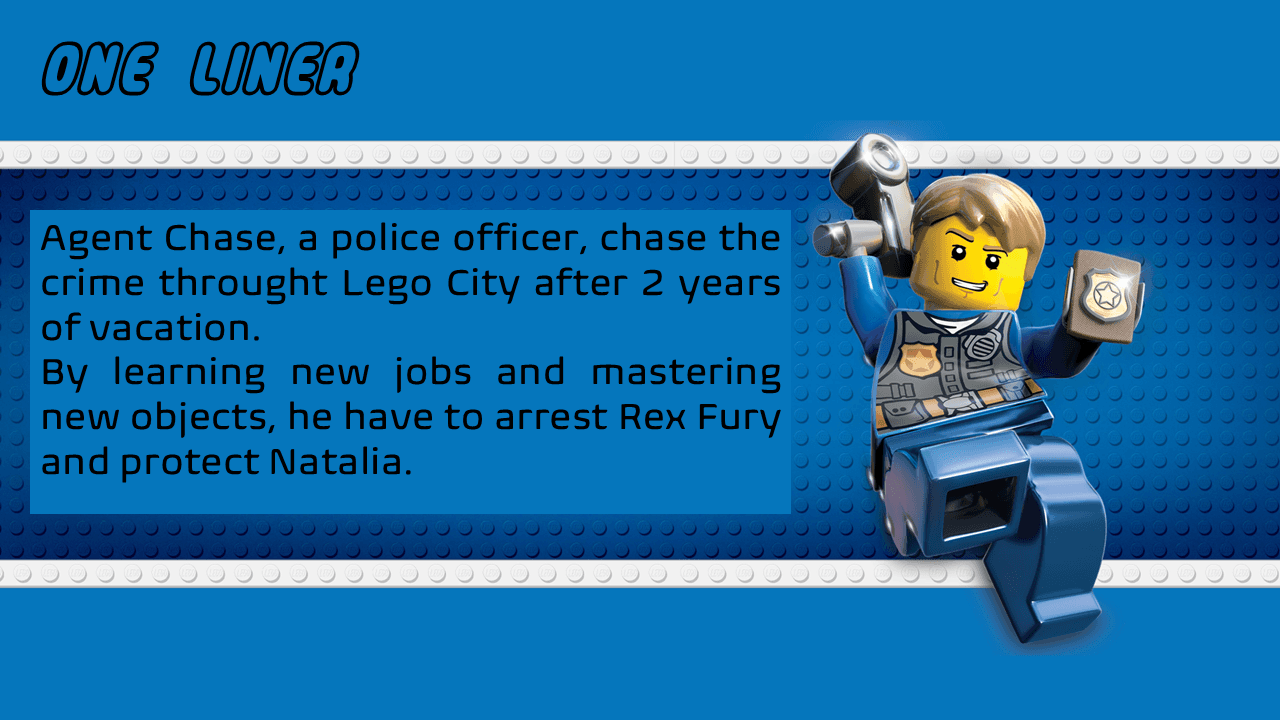
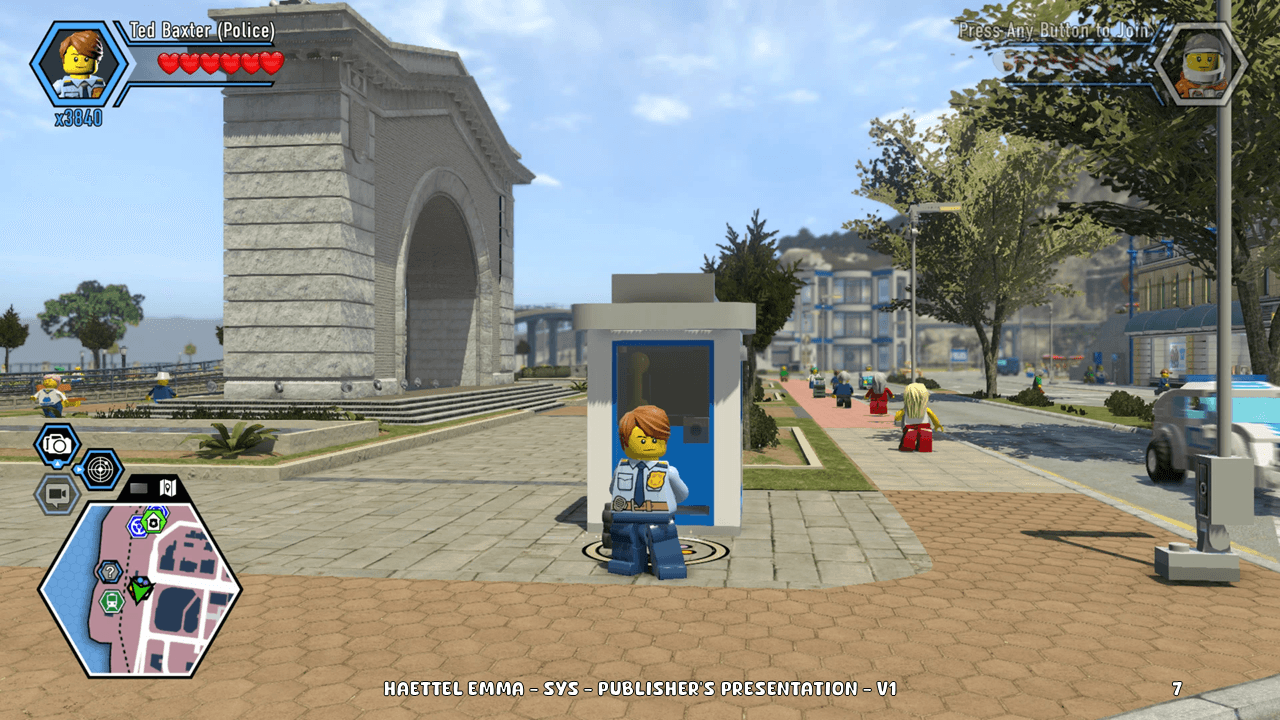
Here is Lego City : Chase The Policeman's… Policeman!
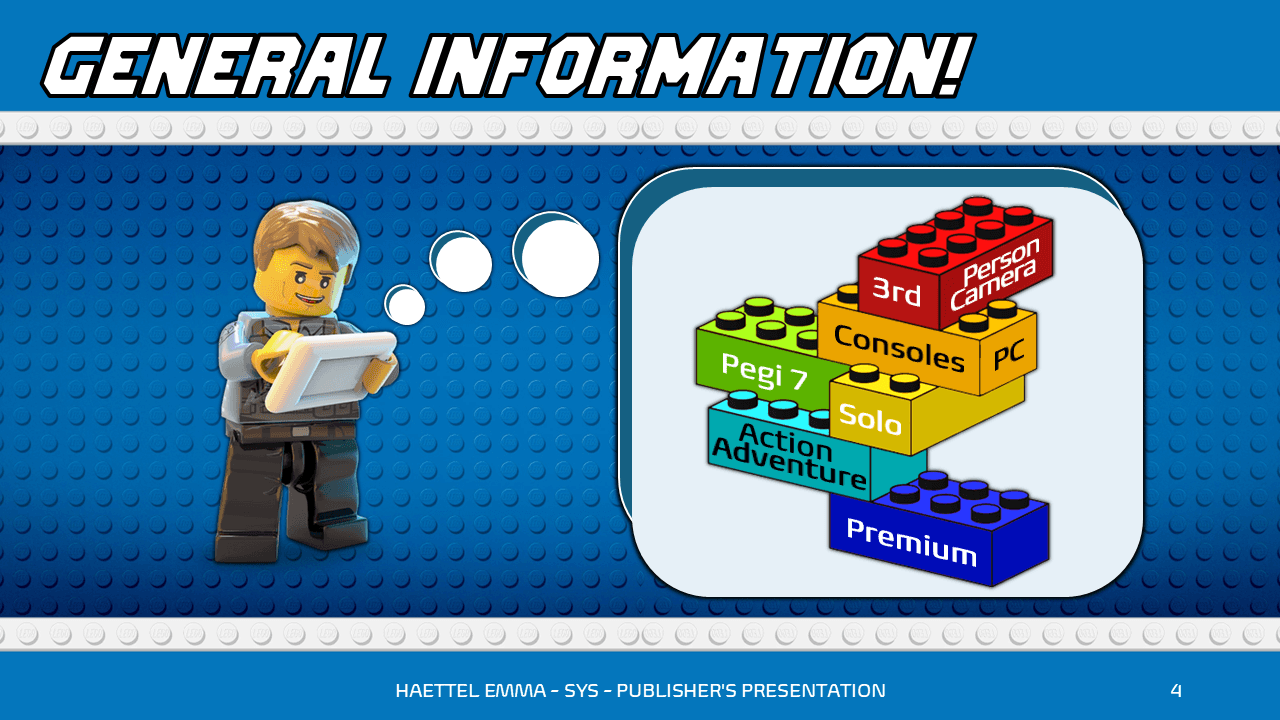
An Action Adventure DLC made in 3 weeks (2024) on Machination.Io as a Book.
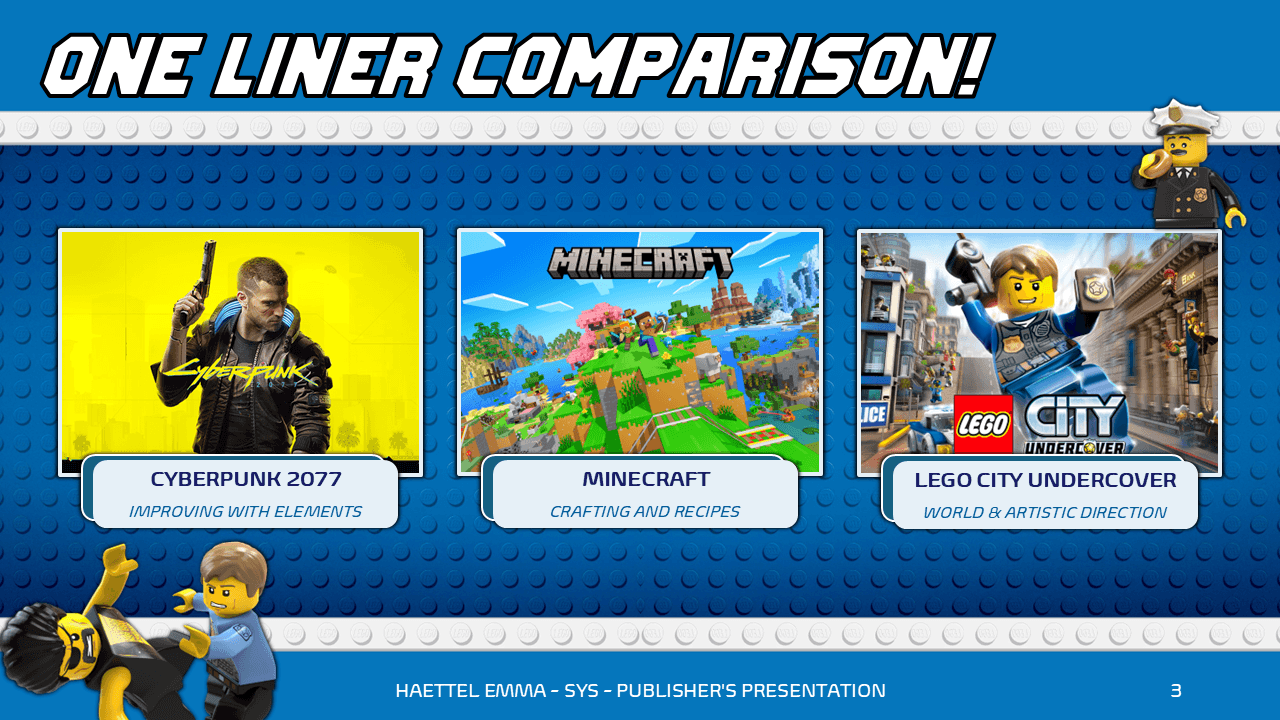
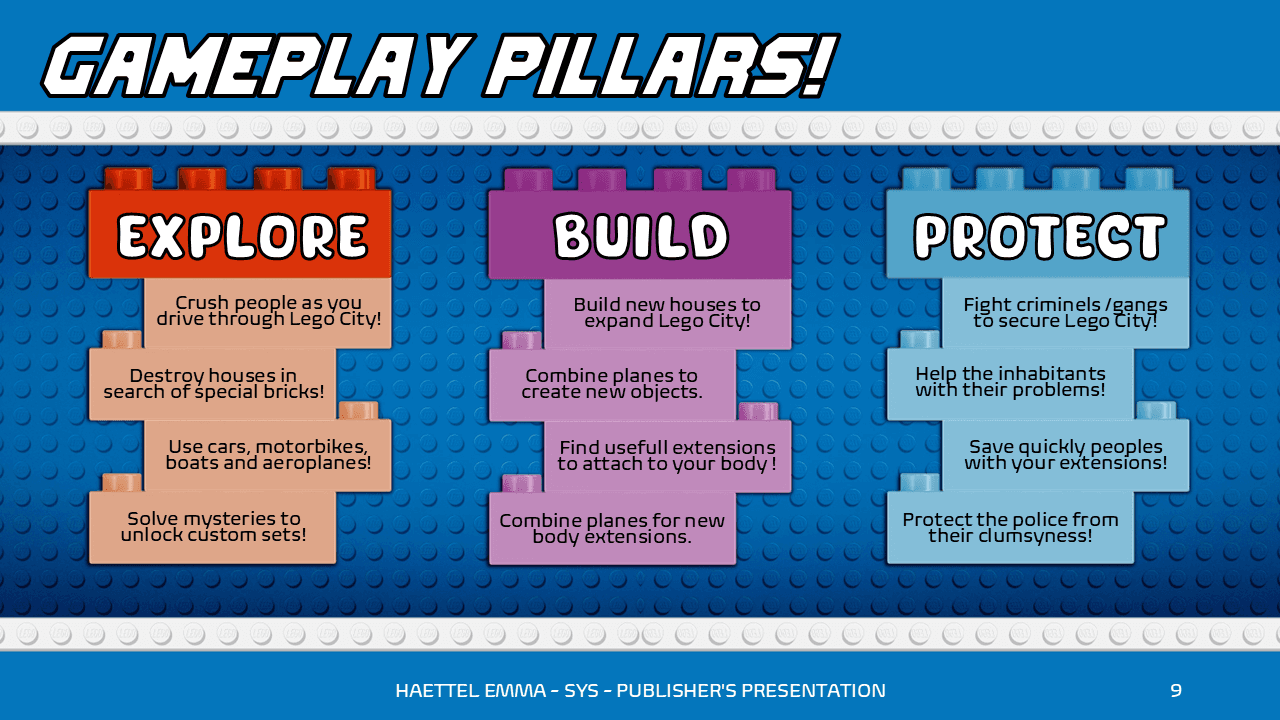
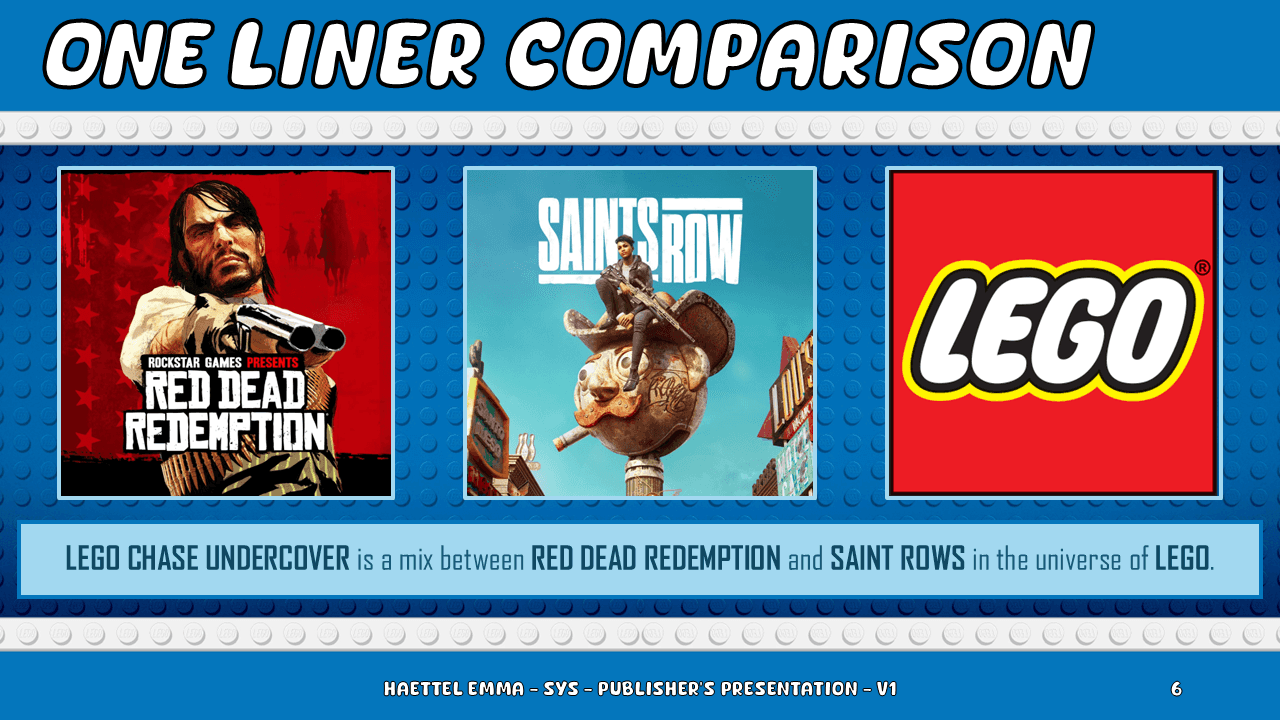
It is the gameplay of Cyberpunk 2077 and the craft feature of Minecraft in the AD of Lego City Undercover.
DOCUMENTS ACCESS
WHY?
It's a way for me to show you that I treat each of my projects according to their needs. There won't always be the same documents, even if I use the same speciality on different projects.
My way of working adapts to the needs of the moment, to the peoples I'm working with and to the way I need to present my ideas.
That's why on this project, there are more documents, and detailed as much as possible.
DOCUMENTS TO TAKE A LOOK AT

PREVIEW
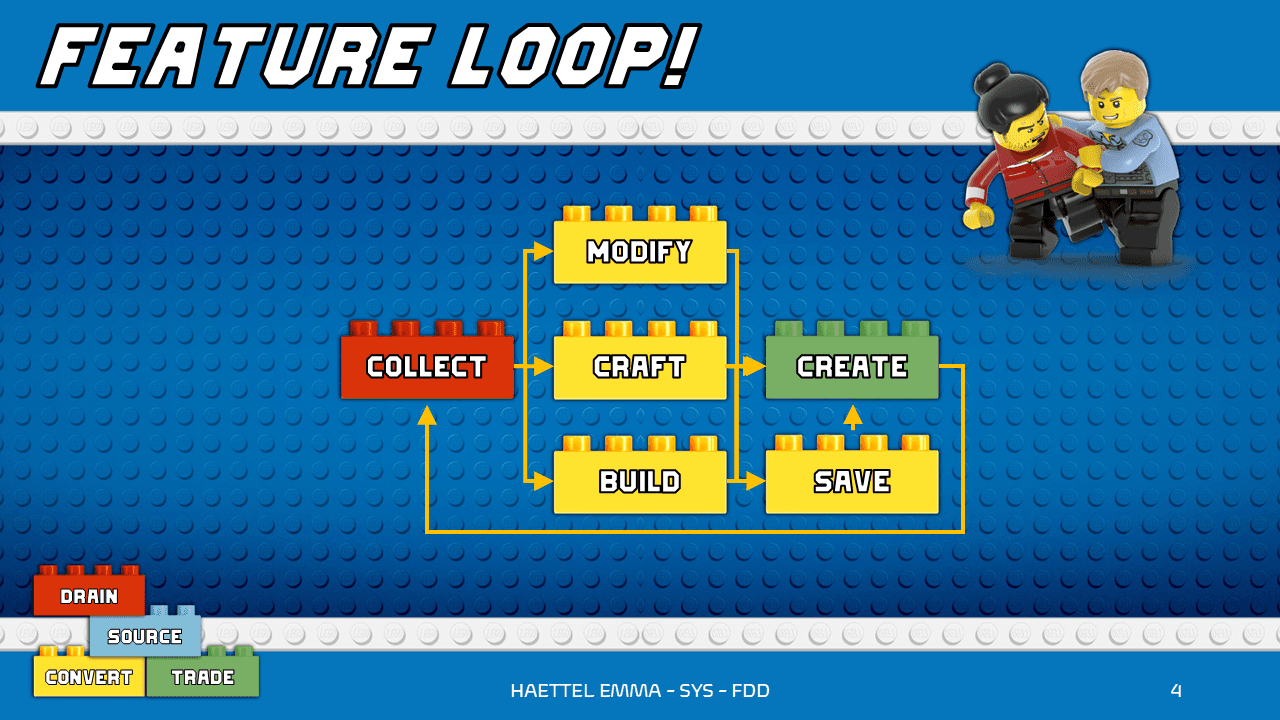
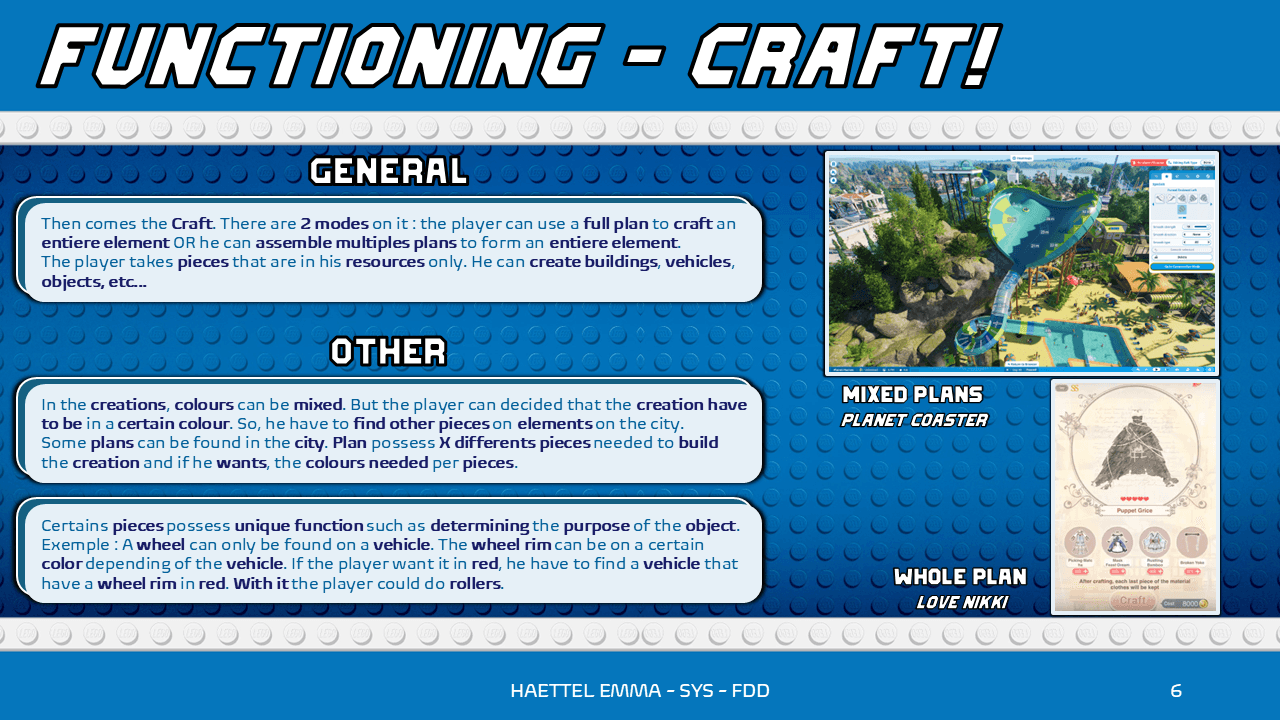
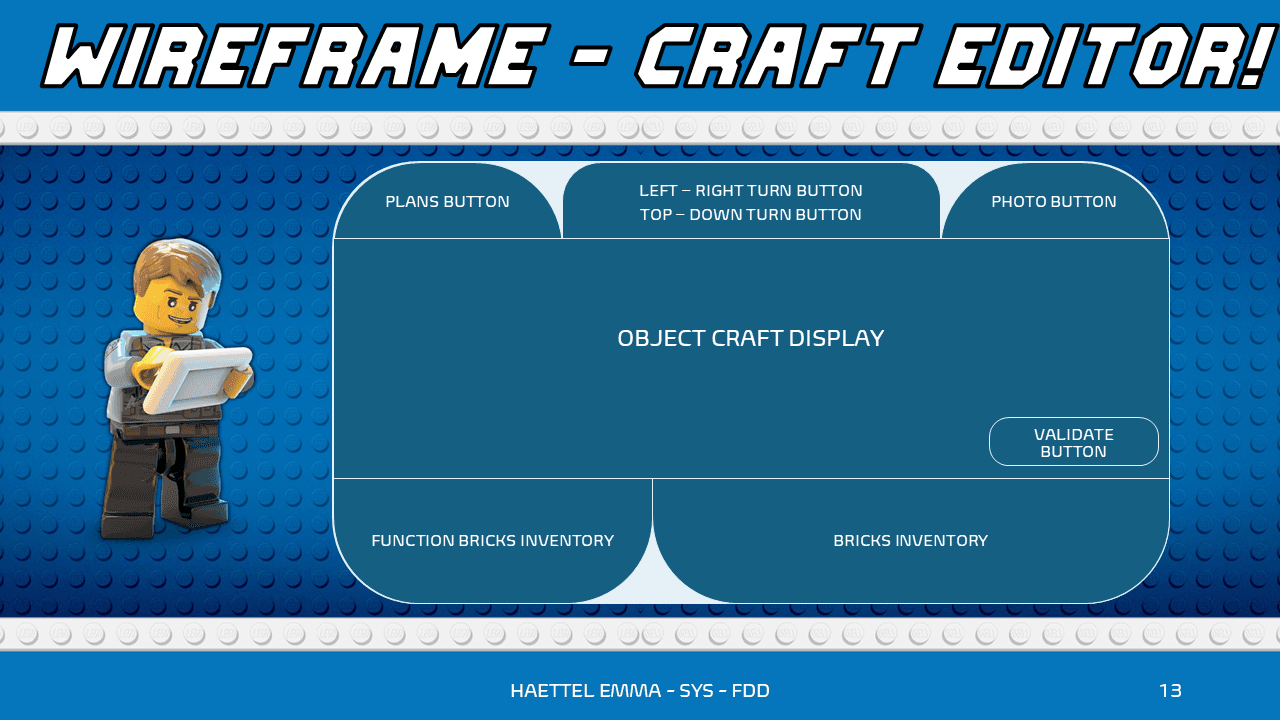
REALISED TASKS
GENERAL DLC DOCUMENT
From an idee to a Publisher Document.
SPECIALIZED SYSTEM DOCUMENTS
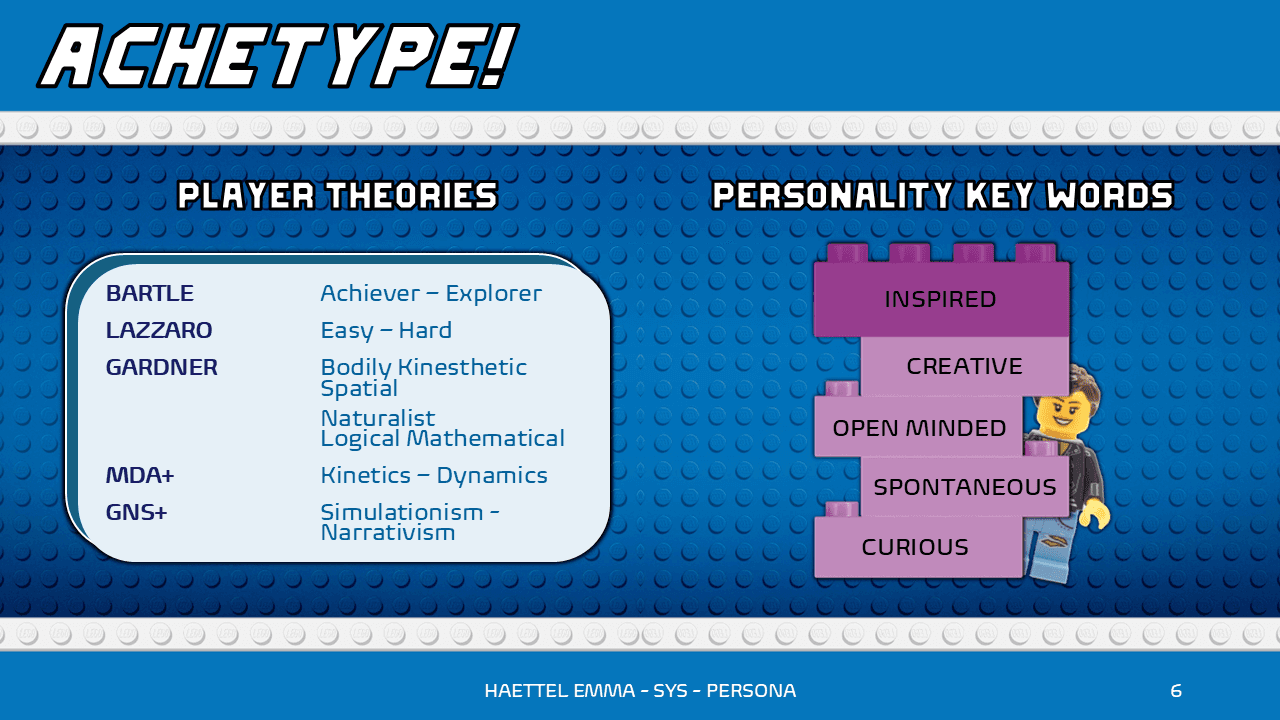
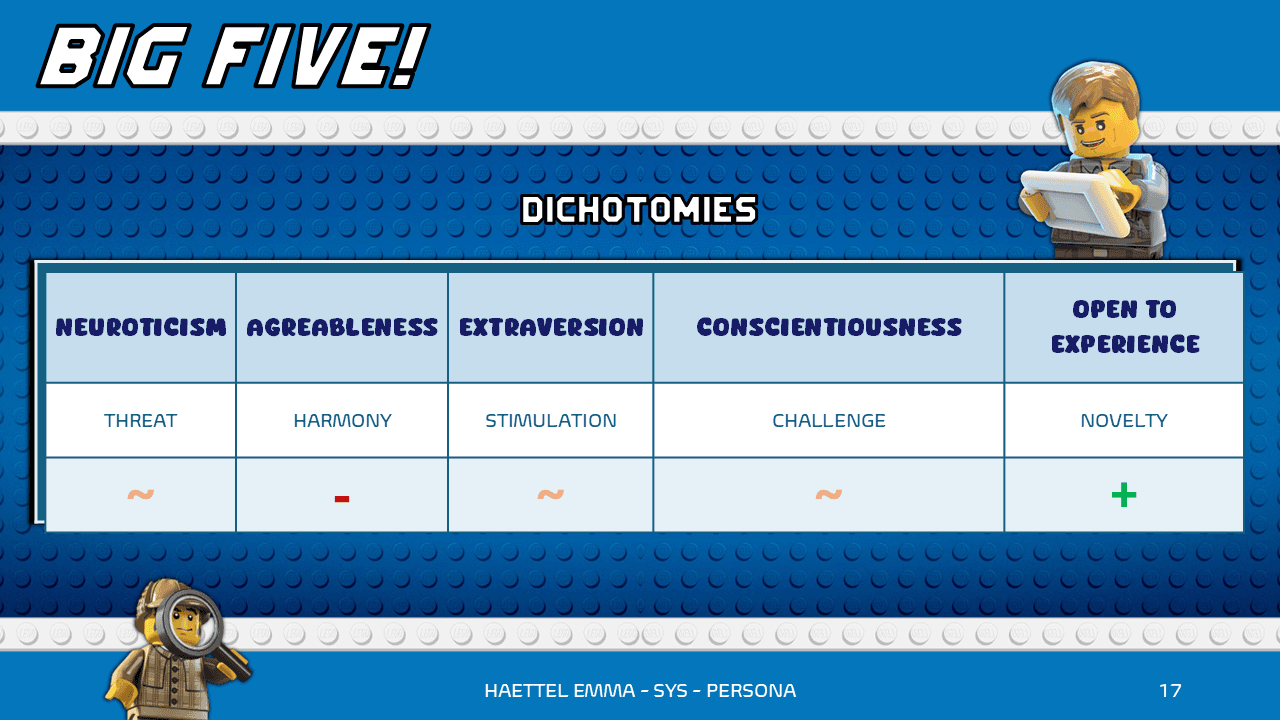
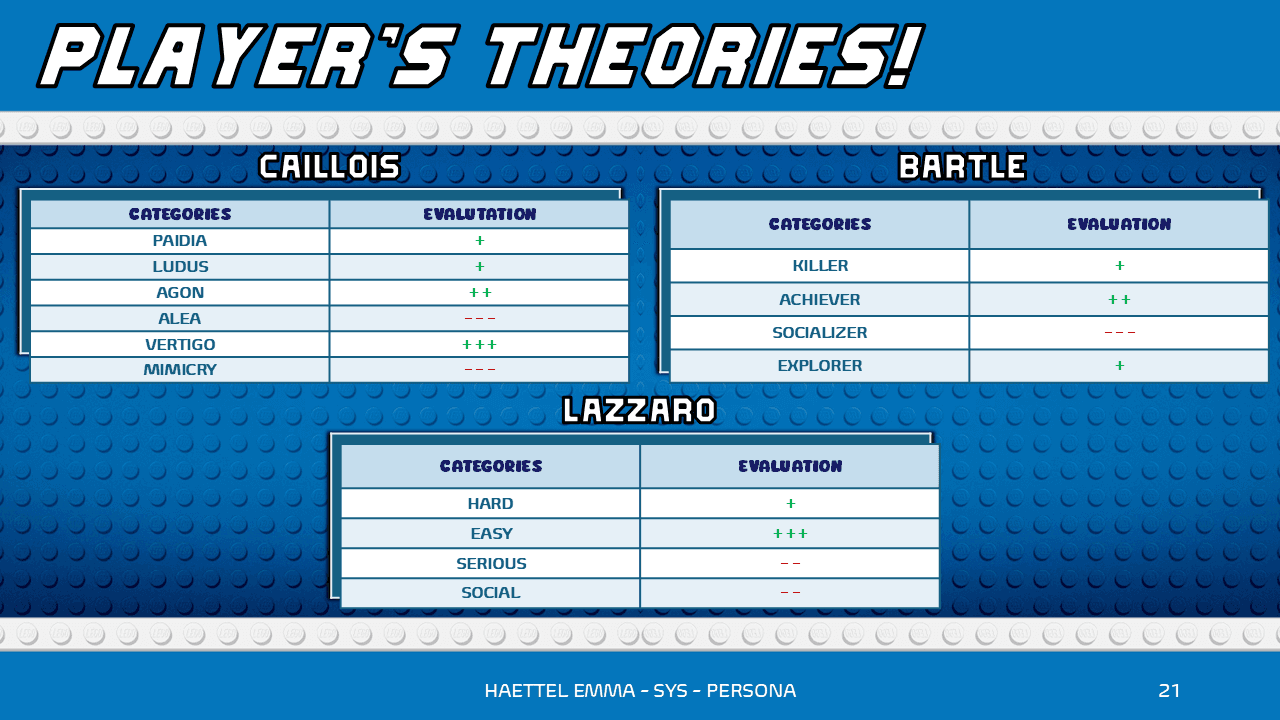
From a Publisher Document to a Feature Design Document and a Persona.
FLOWCHART & MACHINATION.IO
From a Feature Design Document to a Flowchart then a Machination.Io.
GENERAL DLC DOCUMENT
CONSTRAINTS & OBJECTIVES
In 3 weeks, I didn't have the time to make a big DLC, so I decided that the project would have an 2 main new features. I also gave a sequel for the narration.
The objective was to make perfect document as much in content as in form. It was also to show my skills in Excel, Flowcharts and Machination.Io.
PRODUCTION STEPS
First of all, there was the search of what kind of game I wanted to add a DLC. Then, I thought about what kind of features would be nice to add in a Publisher Document.
Then, to detail the features and their caracteristics I created a Feature Design Document and a Persona.
Lastly, I made, an excel to show in details a feature, a Flowcharts to see if it would work and a Machination.Io to confirm the Flowchart.
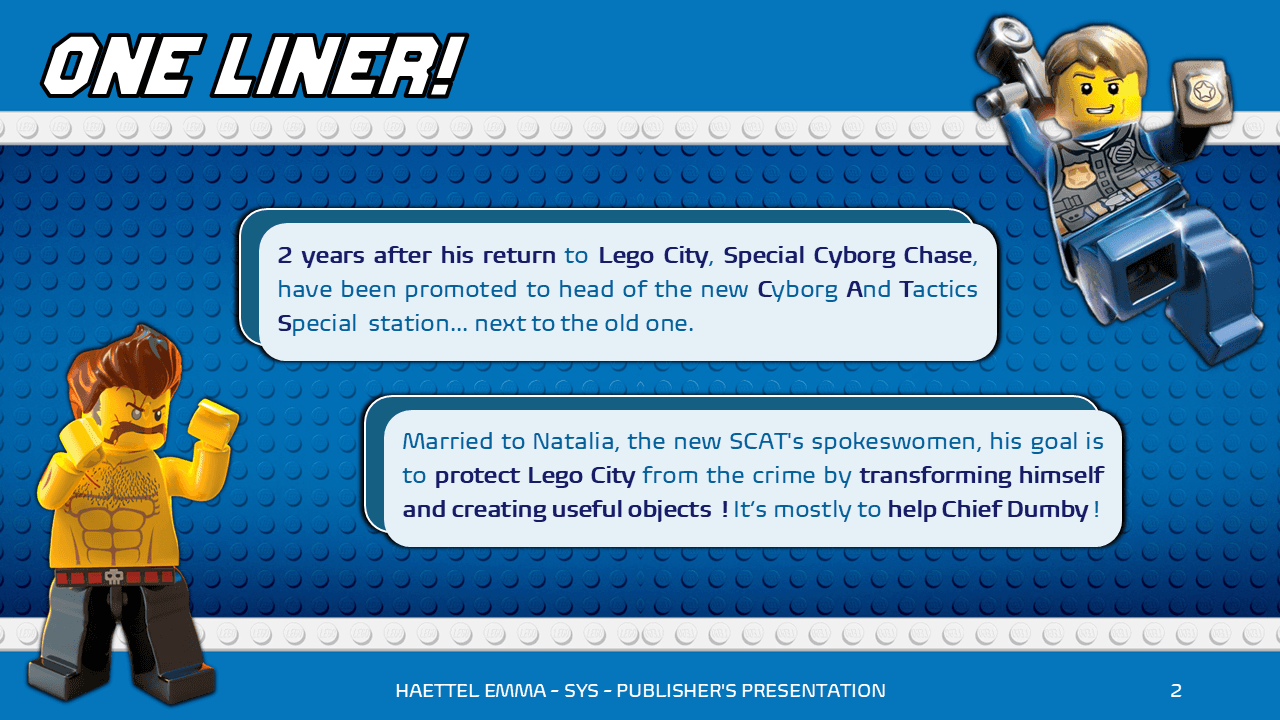
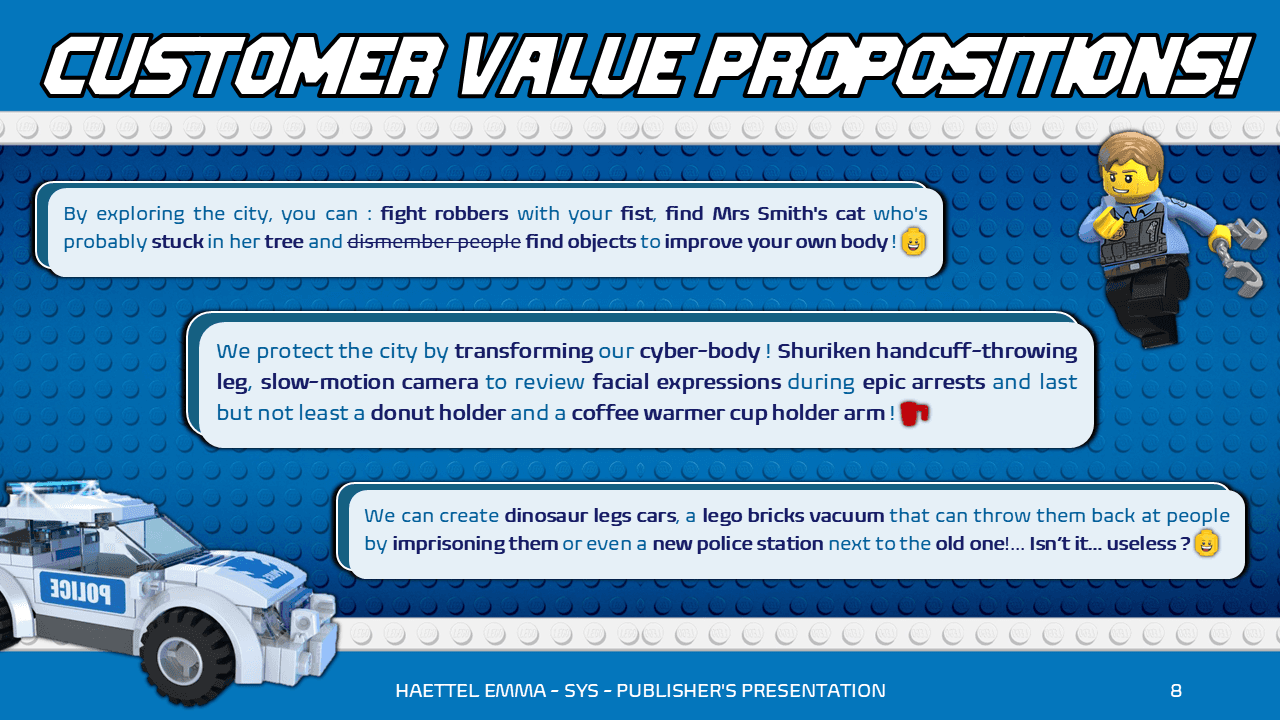
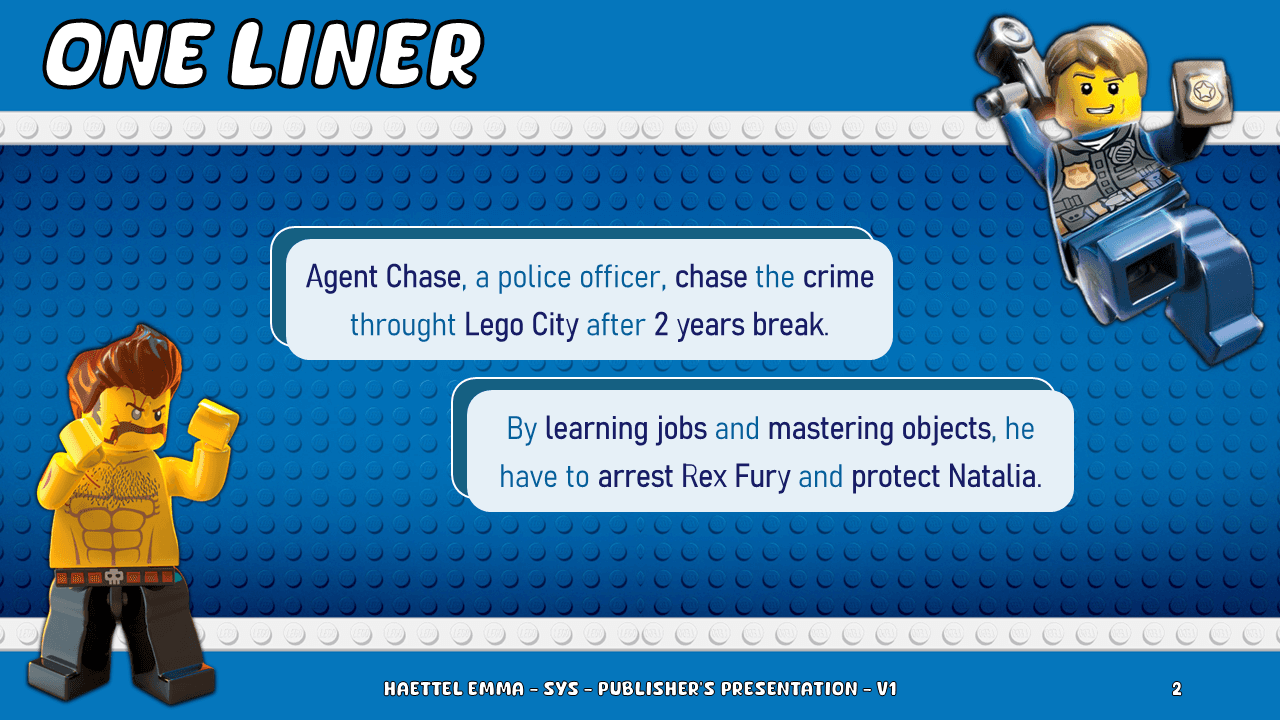
GENERAL DLC DOCUMENT
TOOLS
I gather my ideas on the Windows NotePad and my notebook. I then made multiples version of Powerpoints to see the progress and changes.
WHY I DID TAKE THIS PATH?
It's important to me to look at multiples games that I liked and see wich one have something missing from their original promess.
REFERENCES (V1 LEFT; V5 UP)
I looked at my Steam Library and my physical console games. I hesitated between: Lego City Undercover; Styx Master of Shadow; Spellcaster University and Lego The Hobbit.
As I hesitated a lot to Lego Games, I choose Lego City Undercover for its narration flexibility.
SPECIALIZED SYSTEM DOCUMENTS
CONSTRAINTS & OBJECTIVES
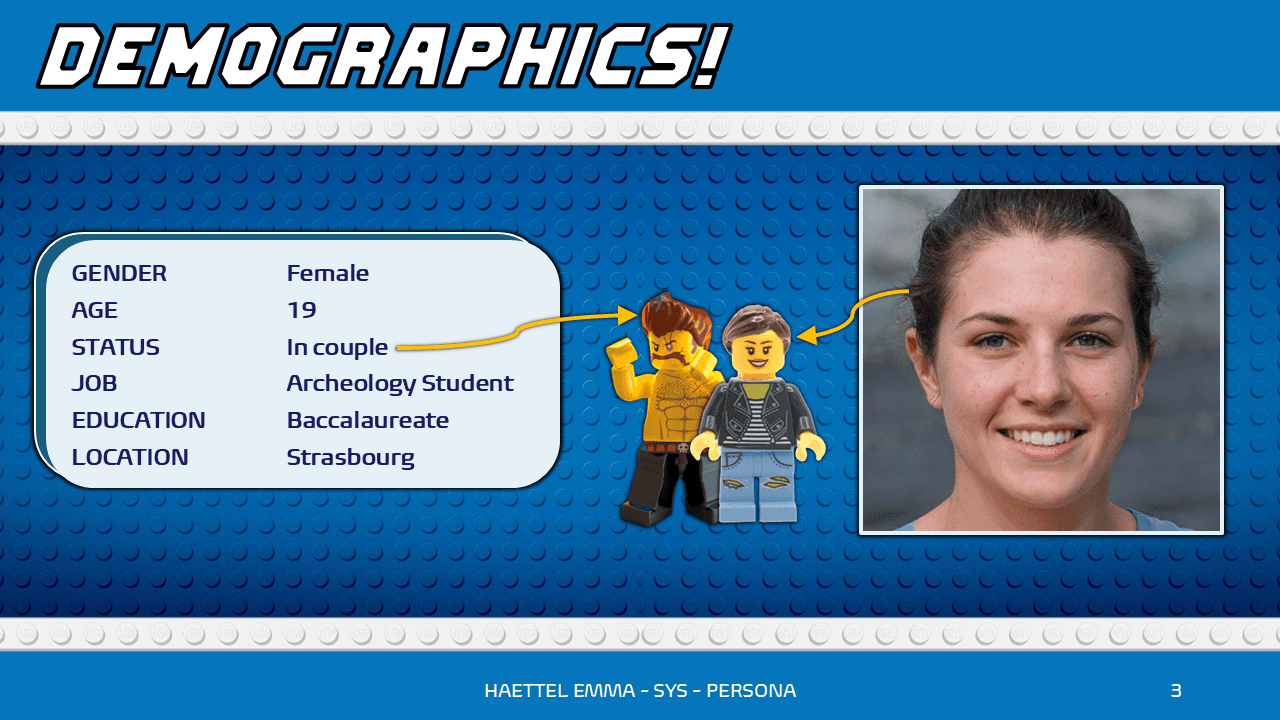
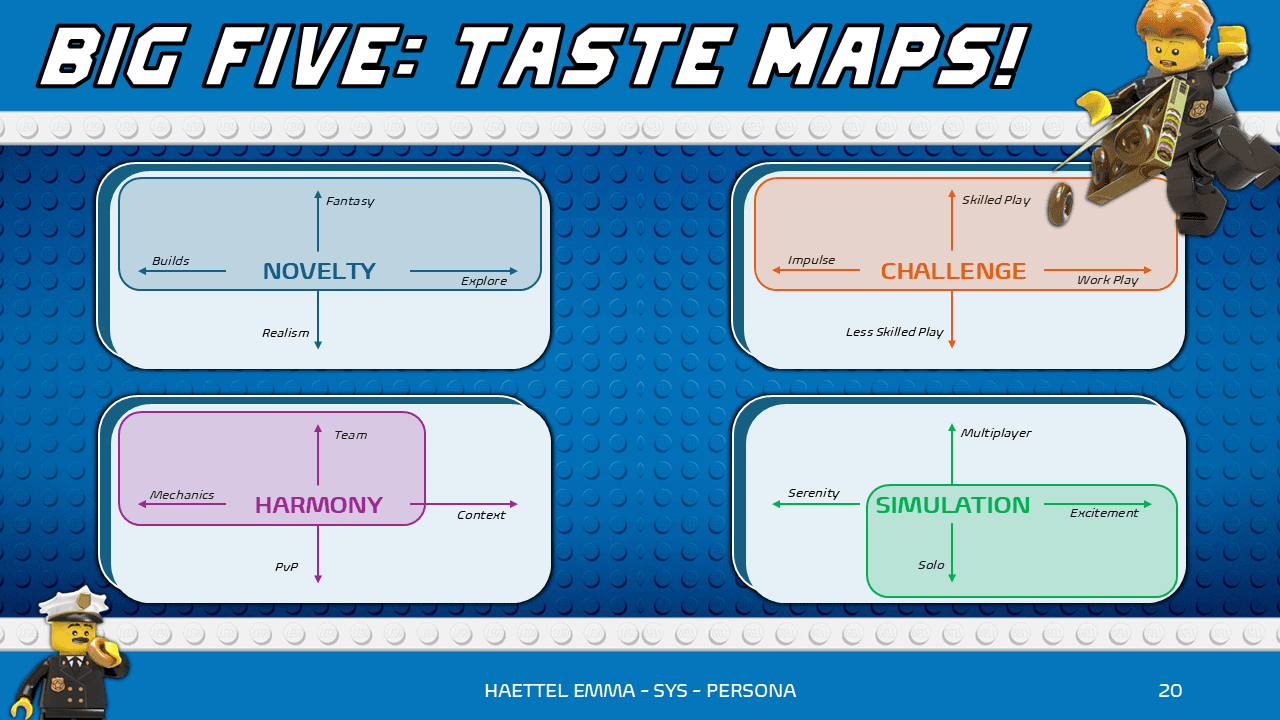
Once I got my base document, I decided to make both features on the Feature Design Document. They need to be in accord of the DLC's Persona.
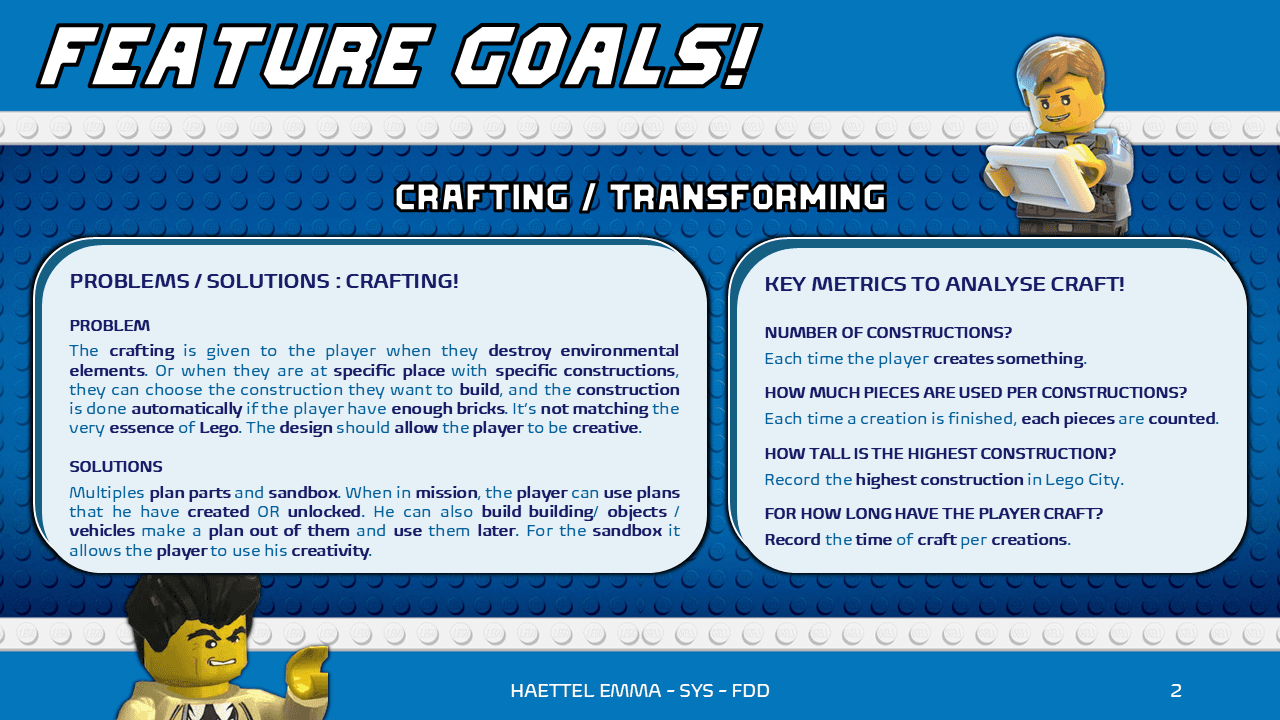
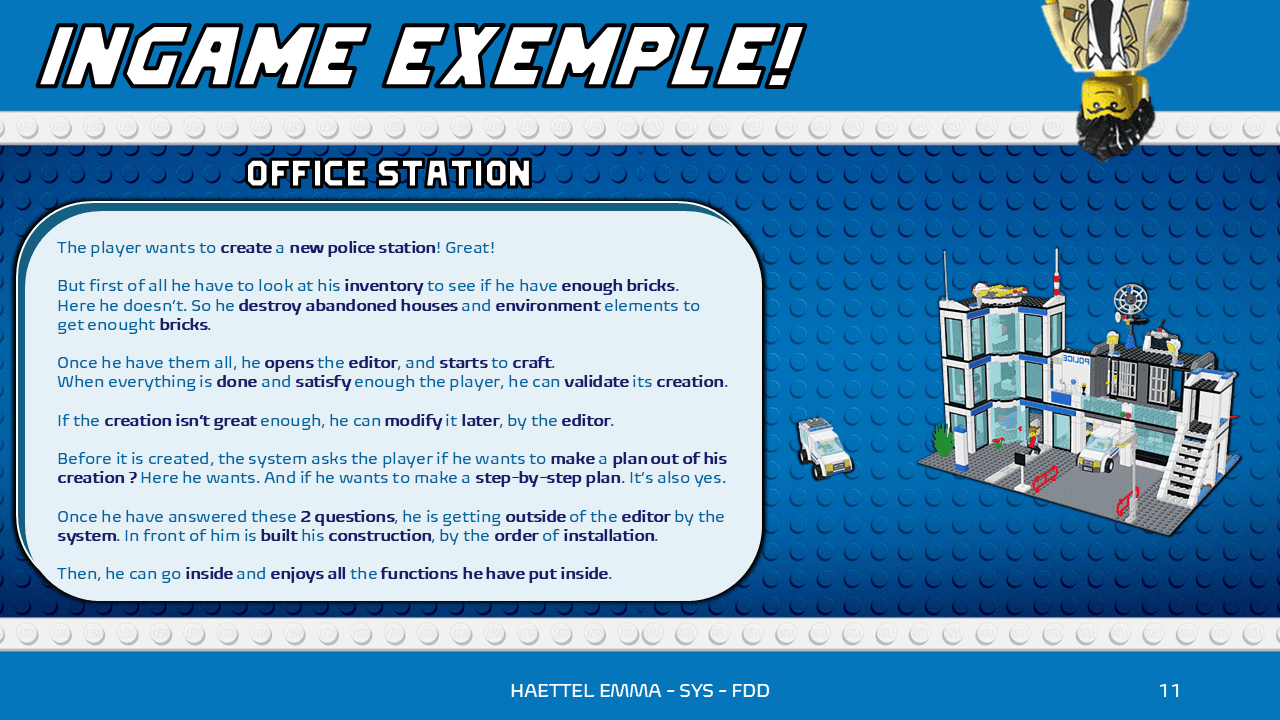
The objective of document was to explain in a concise and detailed way the features with texts, references and wireframes.
PRODUCTION STEPS
First of all, I decided to make one feature at a time for the text only. It allowed me after to be faster by taking the same slide form and order formulation.
Then, I searched for a lot of references using key-words on Chat-GPT. (I checked them, then put them on the document)
Lastly, I verify each documents for sentence formulation, grammar, spelling, references, setting and form.
SPECIALIZED SYSTEM DOCUMENTS
TOOLS
I gather my ideas directly on PowerPoint (as I already though about the features before).
I used Chat-GPT for references searches.
WHY I DID TAKE THIS PATH?
I know it's risky to use AI in our industry today. It greatly helped me to save time by directly having the right references. And the PowerPoint I disconnected my brain and wrote (to not overthink the features).
REFERENCES
I looked at every games I knew first for my features as: Minecraft and The Sims 4 for the craft.
Then I used AI for less evident feature reference as: Fortnite of Dead Rising for the craft.
FLOWCHART & MACHINATION.IO
CONSTRAINTS & OBJECTIVES
Lastly, I needed to do these documents at the same time as the System Documents because they take a long time to produce.
The objective of them is when I don't know how to formule sentences or to explain features, I make facts sentences, go strait to the point and I repeat again until the end.
PRODUCTION STEPS
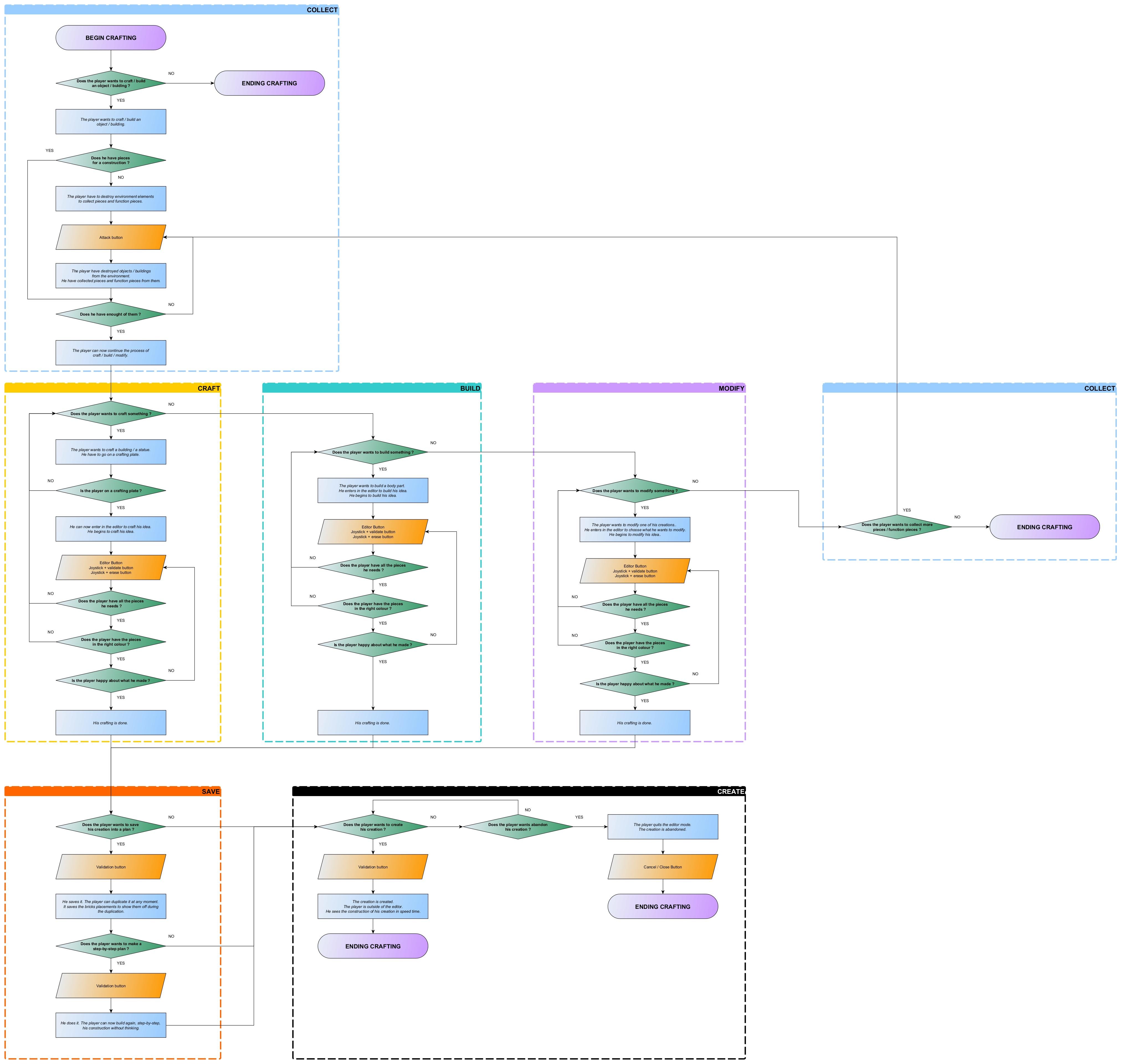
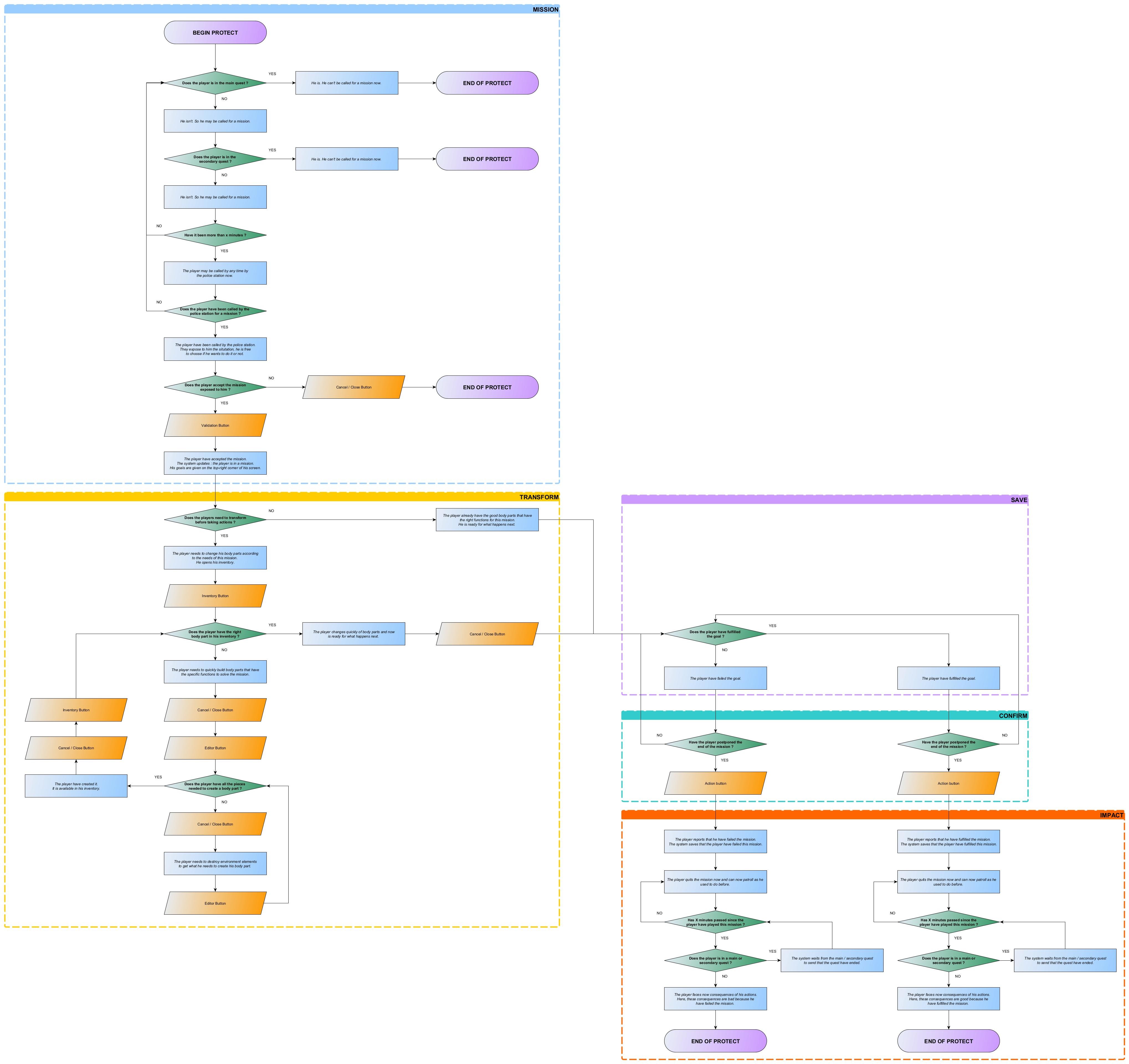
First of all, I made the Flowcharts (1 & 2) because this is the skeleton of the Machination.Io. It's less text than a PowerPoint but it's still text.
Then, I verified each step and find features in each step.
Lastly, I made the Machination.Io following precisely each step and verified it all the time by playtests.
FLOWCHART & MACHINATION.IO
TOOLS
I directly began to do the Flowchart on yEd Graph Editor.
The I made the simulation on Machinatio.Io.
WHY I DID TAKE THIS PATH?
I find it easier to do the Flowchart step by step: first I do little sentences and then I use key-words.
For the Machination.Io I only use what I already made on the Flowchart. I modify things only if there is a problem that I didn't spotted on the Flowchart before.
REFERENCES
Sometimes, there are long time periods between two Flowcharts or Machination.Io so I study again what I made previously or previous lessons for half a day. I prefer to be sure and not make big mistakes.